The financial world relies on Tally software. As agencies and business owners adopt newer technologies, so have the ways of keeping data and installations developed accordingly.
Hence, Tally is not only a desktop software meant for installation, but it also has a modern cloud-based approach for working from remote locations.
Before we dive into a Tally desktop vs Tally on cloud comparison, let us get to know what Tally desktop and Tally on cloud are.
Tally on Desktop ?
‘Tally desktop’ is the traditional desktop application of the software. It is a popular business management and accounts software for small and medium businesses. The latest developed version of the software is called ‘Tally Prime’
Tally Cloud Hosting?
Tally on cloud is the hosting of the Tally accounting software on remote servers. This allows users to access it from anywhere on the internet.
From a generic Tally desktop software user’s perspective, this is an advantage as it offers convenience and scalability along with access to important financial data.
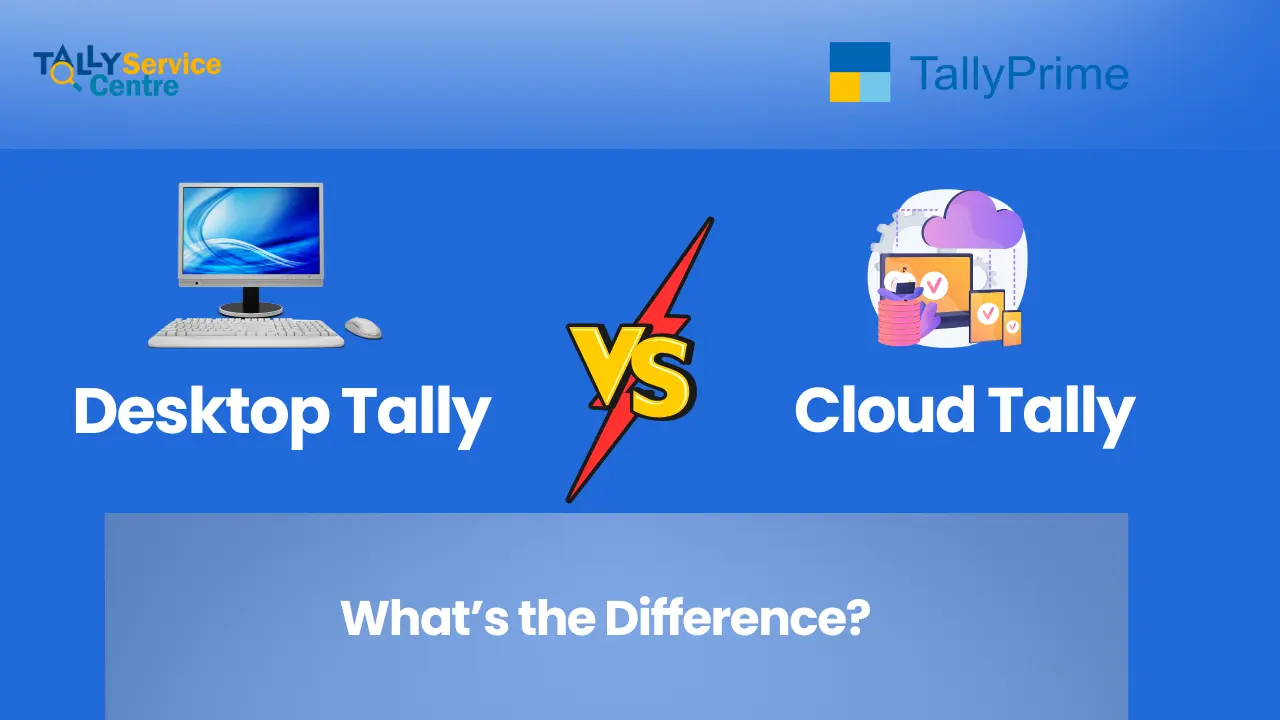
Tally Desktop vs Tally on Cloud: What’s the Difference?
The difference between Tally Desktop and Tally on cloud is important for users as it helps to identify which is best suited for their business.
👉Read our full article on “What is Cloud and How it Does Works”?
👉Looking for Services? Then Check out our “Tally on Cloud Service Page“
Access and portability (Desktop Vs Cloud)
Tally desktop: Tally desktop is installed on local computers and can be accessed from that device only. Ideal for businesses that don’t have branches.
Cloud Tally: Tally on cloud can be accessed from anywhere on a device using the internet. This is ideal for multiple teams working remotely.
Data and Security (Desktop Vs Cloud)
Tally desktop: Data safety and security are dependent on the nature of the backup provided and system configurations.
Cloud Tally: Advanced security with automated backups and firewall protection. Cloud offers an extra layer of protection.
Backup and Recovery (Desktop Vs Cloud)
Tally Desktop – Backups are manual. The user (account manager, business owner, or IT staff) needs to regularly take backups and store them safely. If they forget or delay, there’s a risk of data loss.
Cloud Tally – Backups are typically automatic and scheduled by the tally cloud service provider. They also keep multiple backup copies, reducing the risk of losing data.
👉 Read our full article on “Tally Cloud Backup“
Collaboration and Integration (Desktop Vs Cloud)
Tally desktop: Limited multi-user access, can be integrated with a limited number of business tools
Cloud Tally: Allows multi-user access, which is an advantage for teams working from remote locations.
Tally desktop vs Tally on cloud Comparison
| Feature | Tally Desktop | Tally on Cloud |
|---|---|---|
| Access | Installed devices only | Works on any device with internet access |
| Security | Local and dependent on system security | Advanced and cloud-based |
| Scalability | Requires hardware and software upgradations | Automatic adaptability to any type of software and hardware |
| Cost | One-time purchase | Monthly subscription-based |
| Backup | Manual | Automatic and frequent |
| Performance | Depends on system | High-speed on reliable servers |
| Collaboration | Limited and depends on the business size | Multi-user collaboration for businesses with remote employees |
| Integration | Limited | Can be paired with a variety of business tools |
Cloud Based Tally or Tally Desktop?
“Should I use Tally on cloud or desktop?” This will be a general question that will pop up in your mind. The choice depends on your business needs and priorities:
Cloud-Based Tally :
Ideal for businesses of all sizes, as it offers scalability and flexibility along with additional advantages for work from remote locations.
Pros :
- Accessibility and flexibility: Tally data can be accessed from anywhere if there is a stable and high-speed internet connection
- Lower costs: A cheaper option if you want no new upgrades in hardware and software
- Automatic updates: Cloud providers give automatic updates, ensuring you have the latest software without the need for any manual installation
- Scalability: Can be used in any type of hardware and software settings
- Data security and backup: Data security is optimized with automated backups that can be accessed easily
Cons :
- Internet dependency: Requires a stable and high-speed internet connection, a disadvantage in areas that don’t have high-speed internet access
- Security concerns: Even though service providers invest in security, they are still prone to cyberattacks
- Limited customization: Doesn’t offer the same customization features as the desktop versions
- Monthly subscription: Requires paying a monthly fee, which is recurring if you want it to continue
- Latency issues: Can experience downtime based on location and internet speed, causing loss of valuable time
Tally Desktop
It is ideal for all businesses, especially businesses that want a single time investment and control over their data. It can be customized and has less dependence on internet usage.
Pros:
- Control and customization: Businesses have control over their data and can customize the software as per their needs
- No internet dependency: Doesn’t need an internet connection to function. Ideal for areas that have little or less network coverage
- One-time investment: Requires a one-time cost which suitable for long-term business needs
- Familiar interface: Users who are familiar with the traditional version of Tally can easily operate Tally on cloud
Cons :
- Limited access: Data is only available to the machine that is assigned, making remote work difficult
- Hardware limitations: Upgrades are required for hardware when changed to a different location
- Manual updates and maintenance: Manual updates are required from time to time, based on software requirements
- Manual data backup: Manual data backup has to be done; otherwise, loss of data is on the user.
- Low scalability: Cannot be fit in a different setup unless a software and hardware upgrade is done.
Conclusion: Final take
After comparing both options — Tally on Cloud and Tally Desktop — it’s clear that Tally on Cloud has the edge. It works on multiple devices, can be accessed from anywhere, and supports simultaneous use just like traditional Tally. It’s scalable, flexible, and perfect for businesses of all sizes.
If you also get bored with desktop version of tally and want to switch to the tally cloud we are here for you, Being one of the Best tally partner in Kolkata We provide at Tally Service Centre, cloud based tally solutions for over years 👉Check out our Tally on Cloud Service
FAQS
What is better, Tally desktop or cloud, if I want a one-time investment?
A: For a one-time investment, it is better to buy a Tally desktop software.
Do I need to manually do a backup on Tally Cloud?
A: Tally on cloud automatically does a backup even when you’re not using it.
Can I use Tally on cloud if I have used Tally desktop?
A: Of course you can! Both their interfaces are similar and makes it easy to switch from one to another
I have a medium-sized business that needs a cheaper alternative to Tally desktop. Is Tally on Cloud a good option?
A: Tally on cloud offers a monthly subscription, which is preferable for people who are businessmen who don’t want to invest in Tally desktop.