
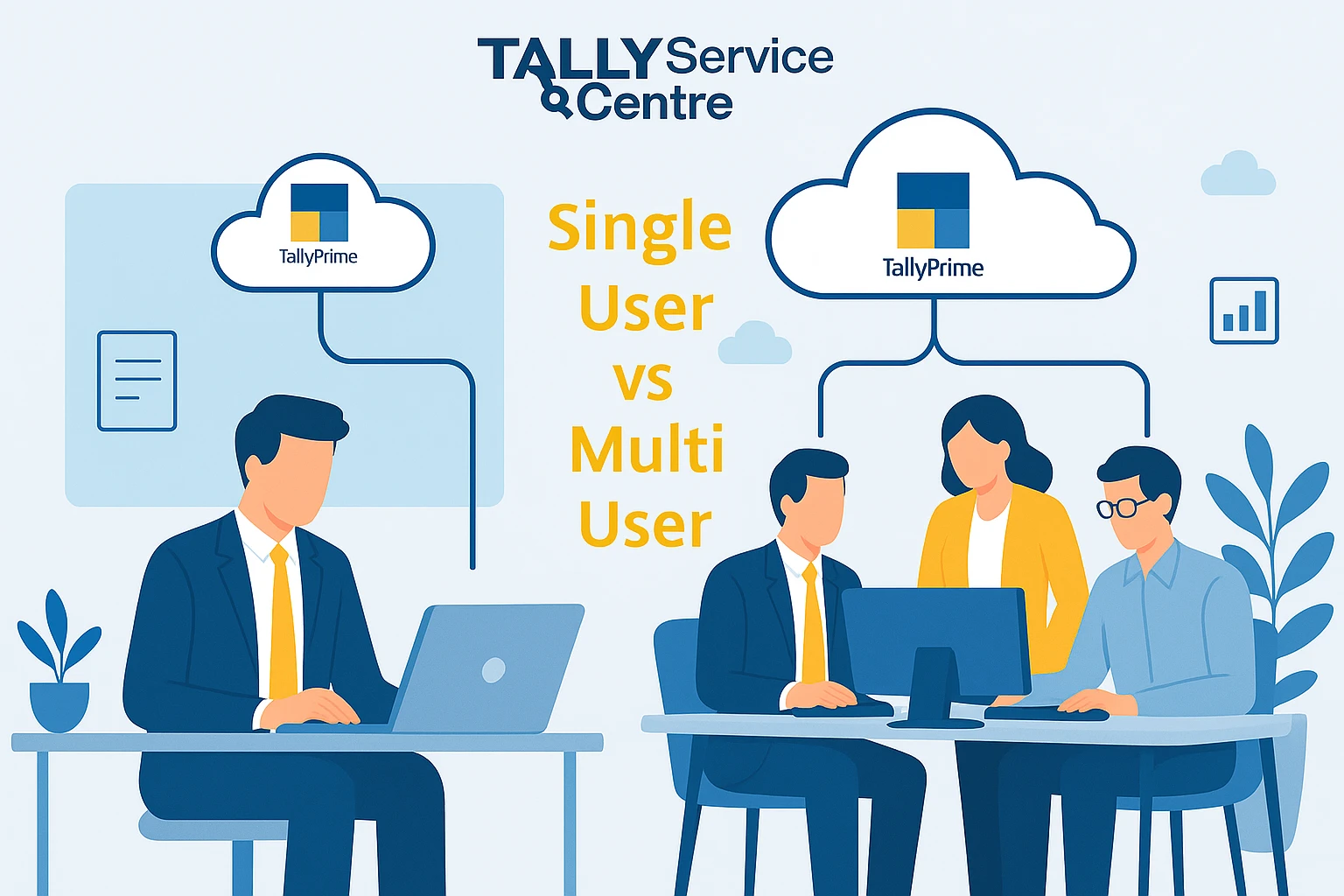
For many businesses, the choice between single-user Tally on cloud and multi-user Tally on cloud comes down to the number of users or the level of collaboration required, team size, and the budget available.
By reading this article you’ll understand which cloud should you choose from ingle-user and multi-user cloud services.
Single User Tally Cloud Setup
- A single user Tally cloud setup only allows one person to use the Tally software with its data at any one time. Ideal for sole accountants, sole traders, or very small businesses with simple operations.
- The setup couldn’t be easier, there are no complex networks or need to share.
- The licensing and ongoing fees are less also.
- Easier maintenance and control, just one user has the data and software.
Multi-User Tally on Cloud Benefits
- A multi-user Tally on cloud license allows more than one person to do work on Tally ERP simultaneously, often using different devices and or working remotely.
- Suitable for larger organizations, distributed teams, and businesses with multiple branches, departments, or locations.
- Supports enhanced collaboration, centralized data access, and increased efficiency of workflow.
- Multiuser licenses also include enhanced security features, automatic back-up functions, and access management or control for confidential business information.
- While the initial price point may be higher than a single user, the added value gained from having more users and productivity means it is often money well spent for the teams.
TallyPrime Cloud Multi-User vs Single User
- Single user licensing limits use to one computer or one person at a time; installation and management is easier and costs are less.
- Multi user licensing (often referred to as Tally Gold) allows for a maximum of 10 simultaneous users, promotes collaboration, and allows for shared access to inventory, financial statements, and other reports.
- Multi user licenses can offer department wide access and updating of all data in real time, which is very useful in a fast-paced and multi-location environment.
How to Select Single User vs. Multi-User
Select single user if:
- If accounting is done by only one person.
- If the business is small or a sole prop.
- If simplicity and cost are paramount concerns.
Select multi user if:
- If multiple people need to work together on accounting, reporting, or inventory.
- If you have departments, remote offices, or multiple branches.
- If collaboration, department productivity, and central access to data are important factors.
| Criteria | Single User | Multi User |
|---|---|---|
| Team Size | 1 | 2–10 (Tally Gold); scalable |
| Collaboration | None | Real-time, multiple locations |
| Cost | Low | Higher, but more features |
| Setup Complexity | Simple | Requires initial setup/networking |
| Use Case | Small business, freelancer | Medium to large/branch organizations |
| Features | Basic | Centralized data, role-based access |
Final Suggestions:
If collaborative working and access from multiple locations are a priority, then for most organizations, it is best to choose the multi-user Tally on cloud version, whereas if you are prioritizing cost and simplicity, plus hoping to use it only as a single user, then it is advisable to go for the single-user form.
If you are also looking to host your Tally in cloud, explore our 👉 Tally on cloud services
And if you need a very strong and robust cloud solution, then explore our 👉 Taly on AWS Services
FAQS: People Ask Aways
- What is the main difference between single user and multi user Tally on cloud?
The biggest difference is the number of people who can use Tally at the same time. A single user Tally cloud is meant for just one person, while the multi user Tally cloud lets multiple team members work together in real time, even from different locations. - Who should choose single user Tally cloud setup?
If you’re a freelancer, accountant, or small business owner who manages accounts alone, the single user setup is perfect. It’s simple, affordable, and easy to maintain without needing a network or IT team. - What are the benefits of using multi-user Tally on cloud?
With multi user Tally on cloud, your whole team can collaborate at once. Everyone gets centralized access to data, role-based permissions, automatic backups, and more security. This makes it ideal for companies with branches, departments, or remote staff. - Is multi-user TallyPrime cloud worth the higher cost?
Yes, if your business needs teamwork and collaboration, the extra cost pays off quickly. The ability to share data instantly, avoid delays, and keep your accounts synced across departments saves both time and money in the long run. - How do I decide between single user and multi user Tally on cloud?
Consider your team’s size and needs. If one person handles accounts, go for single user. But if multiple people need access, or your business has different locations, multi user is the smarter choice. - Can I switch from single user to multi user later?
Absolutely. Many businesses start with a single user license and upgrade to multi user as they grow. The cloud makes this transition smoother since you don’t have to reinstall or migrate everything manually.